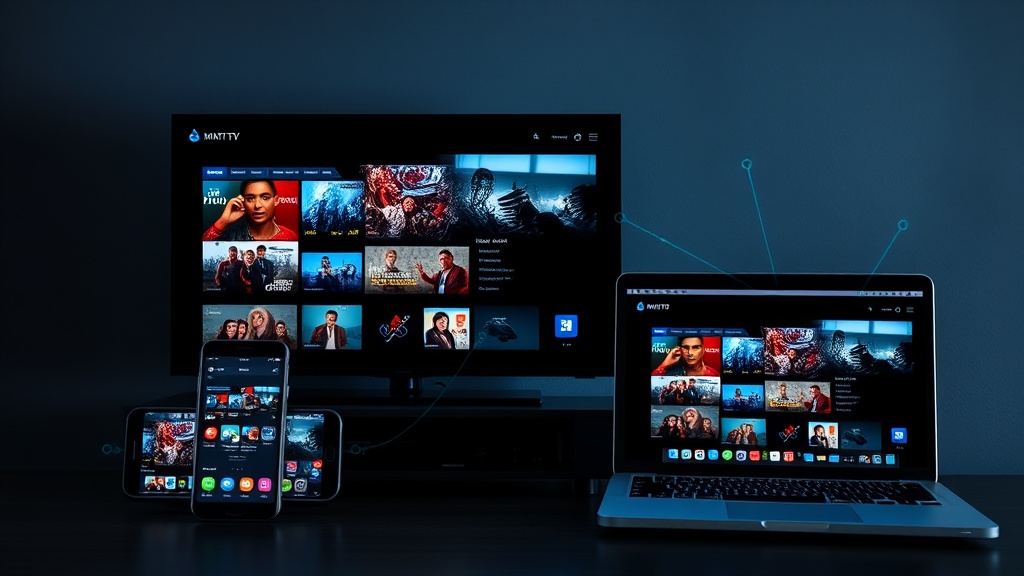
How to Stream on Multiple Devices with VisionMax IPTV Service
Learn how to stream VisionMax IPTV on multiple devices including Smart TVs, Fire Stick, Android, iOS, laptops, and tablets with zero buffering interruptions.
Stream Your Favorite Content Everywhere: VisionMax Multi-Device Streaming
One of the biggest advantages of IPTV streaming is the ability to watch your favorite content anytime, anywhere, on any device. VisionMax makes it incredibly easy to stream across multiple devices with your single affordable IPTV subscription.
Compatible Devices for VisionMax IPTV Streaming
VisionMax supports a wide range of devices, giving you complete flexibility:
Living Room Entertainment
- Smart TVs (Samsung, LG, Sony, Panasonic, etc.)
- Android TV & TV Boxes
- Fire Stick (all models)
- MAG devices
On-the-Go Streaming
- iPhone & iPad (iOS)
- Android smartphones & tablets
- Any tablet with internet connection
Computer Streaming
- Windows laptops & desktops
- Mac computers
- Any device with a web browser
Step-by-Step Guide: Setting Up IPTV on Your Devices
1. Smart TV Setup (Android TV)
- Install the compatible IPTV application from your TV’s app store
- Enter your VisionMax activation code and login details
- Select your preferred language and video quality (up to 4K)
- Start watching 21,000+ channels immediately with zero buffering
2. Fire Stick Streaming
- Access the Amazon Appstore on your Fire Stick
- Search for IPTV applications compatible with VisionMax
- Install and launch the application
- Log in with your VisionMax credentials
- Enjoy crystal-clear 4K streaming on your TV
3. Smartphone & Tablet Setup
- Download the IPTV application from Apple App Store or Google Play Store
- Launch the app and enter your VisionMax login details
- Browse 21,000+ channels from your device
- Stream with zero buffering interruptions on compatible networks
4. Laptop/PC Streaming
- Open your web browser (Chrome, Firefox, Safari, Edge)
- Visit our web portal or use a compatible IPTV player
- Log in with your VisionMax credentials
- Access your full channel library with crystal-clear quality
Simultaneous Streaming: Connection Limits
Different VisionMax affordable IPTV subscription plans offer varying simultaneous connection limits:
- Silver Plan (1 Month): 1 simultaneous connection
- Gold Plan (3 Months): 2 simultaneous connections
- Diamond Plan (12 Months): 2 simultaneous connections with VIP support
- Platinum Plan (24 Months): 2 simultaneous connections
- Ultimate Plan (Lifetime): Multiple connections with premium support
Best Internet Requirements for Multi-Device Streaming
To ensure zero buffering IPTV streaming across all devices:
- Minimum Required: 15 Mbps for reliable HD streaming
- Recommended: 25-50 Mbps for multiple simultaneous devices
- For 4K Ultra HD: 50+ Mbps for smooth, uninterrupted streaming
- Stable Connection: Wired connection recommended for main TV; WiFi acceptable for other devices
Pro Tips for Optimal Multi-Device IPTV Streaming
Optimize Your Network
- Use 5GHz WiFi for faster, more stable connections
- Connect your main TV via ethernet cable for best performance
- Keep your devices updated with latest firmware
- Minimize other internet usage during streaming
Device Management
- Log out of devices you’re not actively using
- Use the same VisionMax account across all devices
- Keep login credentials secure (one subscription per user)
- Check device battery and storage on mobile devices
Streaming Quality
- Adjust video quality based on available bandwidth
- Enable “auto-quality” setting when available
- Monitor speed if experiencing buffering
- Contact our 24/7 support if persistent issues occur
Switching Seamlessly Between Devices
One of the best features of VisionMax’s IPTV streaming service is seamless switching:
- Pause watching on your TV
- Pick up your smartphone or tablet
- Continue watching the same content where you left off (depending on app support)
- Never miss a moment with your affordable IPTV subscription
Troubleshooting Multi-Device Streaming Issues
Experiencing Buffering on One Device?
- Check your internet connection speed
- Reduce other simultaneous connections
- Move closer to your WiFi router
- Restart the IPTV application
Login Issues Across Devices?
- Verify you’re using correct credentials
- Clear app cache and data
- Log out and log back in
- Contact VisionMax 24/7 support for assistance
Audio/Video Synchronization Problems?
- Update your IPTV application
- Ensure sufficient bandwidth (minimum 15 Mbps)
- Restart both the app and your device
- Test with a different device or content
Conclusion: True Entertainment Freedom
With VisionMax’s affordable IPTV streaming service, you have genuine entertainment freedom. Stream 21,000+ channels with zero buffering interruptions on Smart TVs, Fire Stick, smartphones, tablets, laptops, and more devices simultaneously (based on your plan).
Experience crystal-clear 4K quality, ultra-stable servers, and dedicated 24/7 support across all your devices. Subscribe to VisionMax today and start streaming on multiple devices with a single affordable IPTV subscription plan.
Ready to Start Your IPTV Journey?
Experience unlimited family entertainment with VisionMax. Get instant access to 21,000+ channels with 4K quality.
Subscribe Now